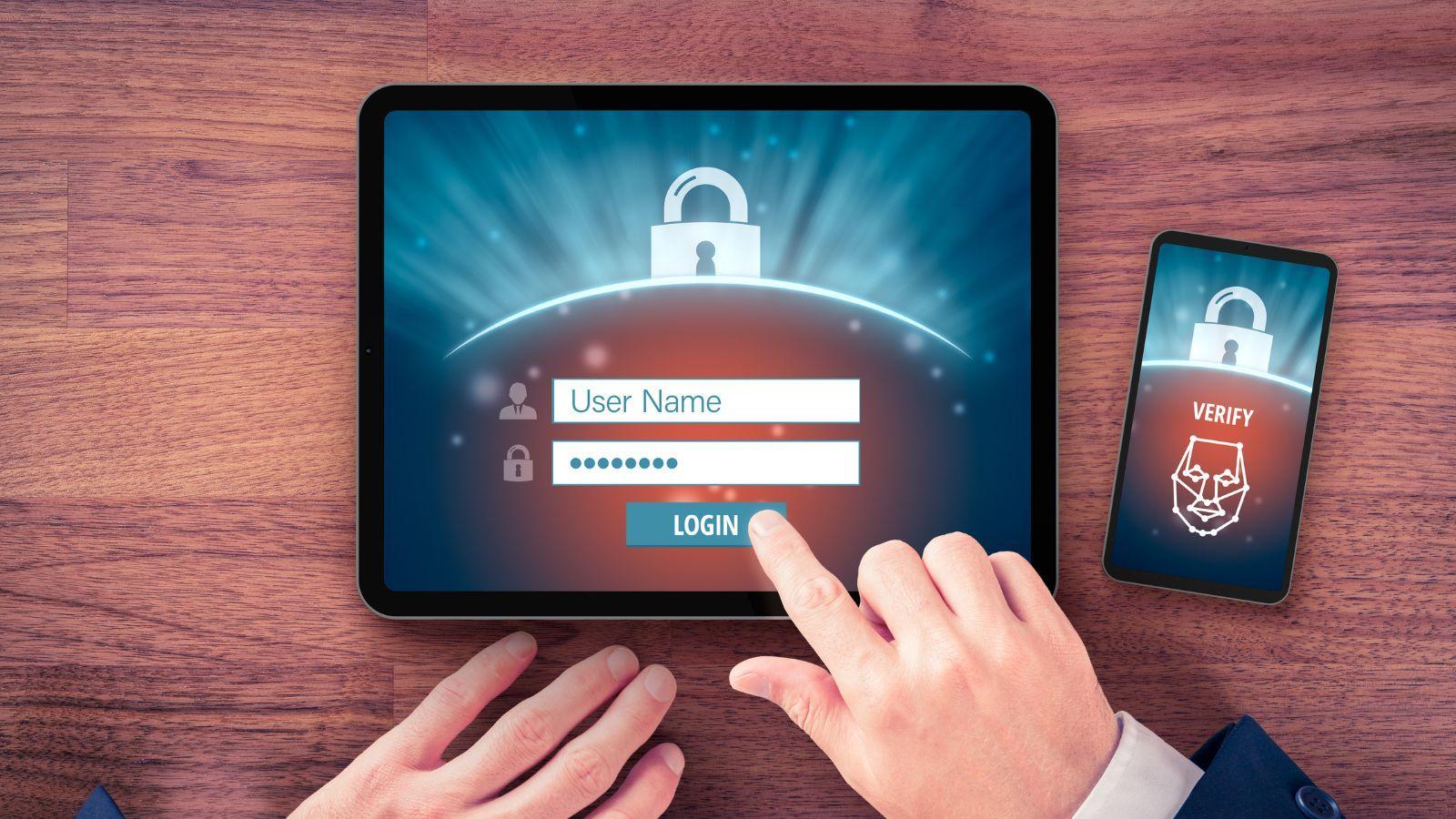
No one expects to log off from a midnight gaming session only to be locked out the next day. Sadly, stories like this keep happening to careless gamers who don’t take their account security seriously.
Here’s why your account might be free loot for attackers, and what to do to give it level 10 protection.
Reusing Passwords
It’s common for gamers to use the same tag across platforms like Steam, Discord, Blizzard, etc. While keeping a consistent personal brand isn’t problematic, trouble often follows when related account passwords are reused to make logging in easier.
If you use the same password everywhere, that means all a hacker needs is a data breach that reveals one of your credentials. Hackers can brute-force their way in and check whether the stolen credentials work on your gaming and other profiles.
The breach doesn’t even have to be gaming-related. As long as the password is the same, compromised login info from a defunct site you signed up for five years ago can expose your accounts.
With password managers around, there’s no excuse for using weak or repeat passwords. These tools generate and store complex logins for all your accounts so you don’t have to. They sync across your devices too. That means you can use the Samsung password manager on your phone and still have everything ready to go when you switch over to your Mac.
Not Enabling 2FA
Gaming platforms are well aware of how much accounts mean to players. Libraries, wallets, and friendships need to be protected, and two-factor authentication is a simple yet effective way to do so. You just link an account to a smartphone or authenticator app and enter the code you get each time you log in from a new device.
Some gamers don’t even bother to set this up even though the feature is right there. Having 2FA on protects your account even if someone steals its username and password since the thief can’t log in without the additional code. Getting random code requests also lets you know that something fishy is going on and change your current password to lock the thieves out completely.
Clicking Phishing Links
Phishing might be as old as your dad’s Pentium, but it’s still wildly successful at tricking people into giving up their credentials.
Gaming-related phishing emails usually work in one of two ways. They may tempt you with things like contests and exclusive skins. Or, they’ll claim that something’s wrong with your account and you have to take action to fix it.
This usually means going to a site that looks like a regular Steam or Epic login page. However, it’s a fake that collects your credentials, and maybe even your payment info, which attackers then use to take the account over.
Taking a moment to stop and consider such emails is often enough to expose them as frauds, especially if you weren’t expecting them. Always go with your gut if you’re unsure and check to see if the supposed sender’s address matches their official one.
Also, remember that gaming companies already know your account details, so why would they need you to provide them? If you’re still unsure, it’s best to contact customer service and have them confirm or deny the suspicious message.
Visiting Shady Third-Party Sites
Sometimes, we stumble onto harmful websites on our own. You might be after old mods or a trainer to make a game easier. Some people search for dubious ways of boosting their game stats; others look for access to games by sailing the high seas. Either way, the fact that there’s a chance that you’ll get infected with malware or have your account stolen means it’s not worth it.
Avoid such sites altogether and wait for one of the frequent sales if you can’t afford a game just now. Don’t install dodgy executables and never share your login info with third parties unless it’s officially sanctioned through your gaming platform of choice.
Connecting to Gaming Accounts through Public Wi-Fi
Some of us can’t help ourselves and will check in to gaming accounts even while on vacation. It still makes sense – you can continue to talk to friends and add freebies or currently discounted games to your backlog of shame without access to a PC or console.
Doing so from public Wi-Fi you’d access from airports, restaurants, etc., is a bad idea since it might expose you to fake hotspots and compromised networks.
If you have to check up on your accounts from abroad, use an eSIM. It’s cheaper than roaming and more straightforward than a physical SIM card. eSIMs tap into local mobile networks, which are encrypted and far safer than random public Wi-Fi. That way, you can keep in touch while keeping your accounts safe.
Conclusion
Losing a massive game library because of bad password habits or a fraudulent link is the worst. Yet, you can avoid most of these hacks if you just take a few minutes to lock things down properly, and be vigilant at all times.